 Image 1 of 1
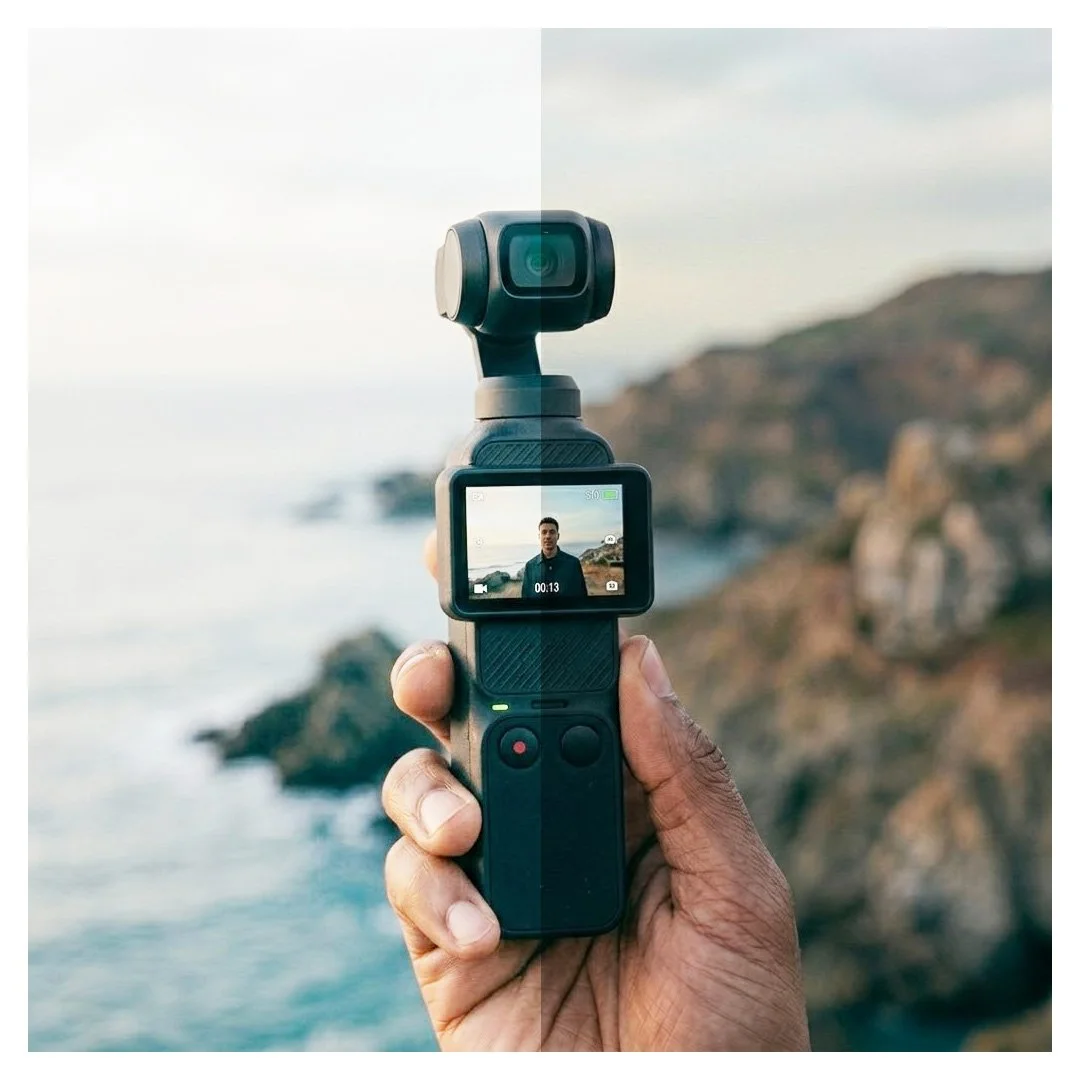
Seamlessly match your DJI Osmo Pocket 4 with your Sony A-Cam.
If you are using the DJI Osmo Pocket 4 alongside your Sony camera, you already know the headache of trying to match the two sensor color sciences. DJI’s 10-bit D-Log is incredibly robust, but it requires a vastly different grading pipeline than Sony's standard S-Log3.
This .cube file is a mathematically pure technical conversion LUT designed specifically to bridge that gap. It unwraps DJI D-Log/D-Gamut and accurately maps it into Sony S-Log3/S-Gamut3.Cine.
This is not a stylistic or creative "film look" LUT. It is a foundational utility tool that transforms your Pocket 4 footage so it behaves exactly like your Sony footage, allowing you to run a single, unified color grading pipeline across your entire timeline.
What this LUT does:
Converts DJI D-Gamut to Sony S-Gamut3.Cine.
Converts DJI D-Log to Sony S-Log3.
Eliminates the guesswork of manual color-space matching in NLEs like Premiere Pro and Final Cut Pro.
How to use it in Premiere Pro:
Select your DJI Osmo Pocket 4 clip.
Open the Lumetri Color panel.
Under the Basic Correction tab, click the Input LUT dropdown and load this .cube file.
Once applied, simply drop your standard Sony S-Log3 adjustment layers or creative LUTs right on top!
Note: Because all lighting environments and ND filters vary, you may still need to perform minor primary adjustments (like tweaking the Tint slider to neutralize DJI's inherent green shift) to achieve a 100% perfect match with your specific Sony lenses.
What's Included:
1x 33-Point .cube Technical Conversion LUT
Seamlessly match your DJI Osmo Pocket 4 with your Sony A-Cam.
If you are using the DJI Osmo Pocket 4 alongside your Sony camera, you already know the headache of trying to match the two sensor color sciences. DJI’s 10-bit D-Log is incredibly robust, but it requires a vastly different grading pipeline than Sony's standard S-Log3.
This .cube file is a mathematically pure technical conversion LUT designed specifically to bridge that gap. It unwraps DJI D-Log/D-Gamut and accurately maps it into Sony S-Log3/S-Gamut3.Cine.
This is not a stylistic or creative "film look" LUT. It is a foundational utility tool that transforms your Pocket 4 footage so it behaves exactly like your Sony footage, allowing you to run a single, unified color grading pipeline across your entire timeline.
What this LUT does:
Converts DJI D-Gamut to Sony S-Gamut3.Cine.
Converts DJI D-Log to Sony S-Log3.
Eliminates the guesswork of manual color-space matching in NLEs like Premiere Pro and Final Cut Pro.
How to use it in Premiere Pro:
Select your DJI Osmo Pocket 4 clip.
Open the Lumetri Color panel.
Under the Basic Correction tab, click the Input LUT dropdown and load this .cube file.
Once applied, simply drop your standard Sony S-Log3 adjustment layers or creative LUTs right on top!
Note: Because all lighting environments and ND filters vary, you may still need to perform minor primary adjustments (like tweaking the Tint slider to neutralize DJI's inherent green shift) to achieve a 100% perfect match with your specific Sony lenses.
What's Included:
1x 33-Point .cube Technical Conversion LUT